IPTV Devices – Watch King8K IPTV on Your Favorite Device
Discover compatible IPTV devices for King8K IPTV, including Android, Fire TV, Windows and other compatible devices. Choose your setup, install a compatible IPTV player and start streaming live TV, sports, movies and VOD.
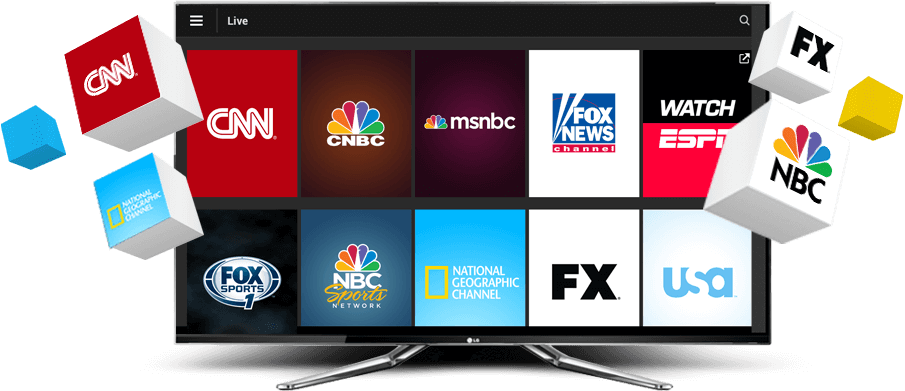
Choose the Right IPTV Device for Your Setup
King8K IPTV can be used across several popular platforms. The right IPTV device depends on the operating system, IPTV player and setup you prefer.
Windows IPTV
Watch IPTV on Windows computers using a compatible IPTV player. Windows is a flexible option for users who prefer streaming IPTV from a desktop or laptop.
Windows IPTV Guides →
Android IPTV
Use King8K IPTV on compatible Android devices with an IPTV player that supports your playlist or login method. Android gives you a flexible IPTV streaming setup.
Android IPTV Guides →
Fire TV IPTV
Set up IPTV on compatible Fire TV devices with a supported IPTV player. Fire TV is a popular option for watching IPTV directly on a television.
Fire TV IPTV Guides →
Other IPTV Devices
Have another compatible IPTV device? You can use a supported IPTV application or player depending on your operating system and the features available on your device.
IPTV Setup Guides →
Windows
Android
Fire TV
Other Devices
Watch IPTV on Windows
Windows is a practical option for IPTV users who want to stream from a desktop or laptop. With a compatible IPTV player, you can enter your IPTV details and access the available channels and content.
Your Windows IPTV experience can depend on the IPTV player, internet connection, computer performance and the quality supported by the content source.
- Compatible Windows IPTV players
- Desktop and laptop streaming
- IPTV playlist support depending on player
- Suitable for live TV and VOD playback
Stream IPTV on Android Devices
Android IPTV gives you flexibility when choosing an IPTV application. Depending on your device and application, you may be able to use playlist-based or account-based IPTV login methods.
Before installing an IPTV player, check that the application supports your device and the login format provided by your IPTV service.
- Android IPTV player compatibility
- Simple IPTV application setup
- Playlist and login support depending on app
- Live TV, movies and VOD playback
Watch IPTV on Fire TV
Fire TV can provide a convenient way to bring IPTV streaming to your television. Install a compatible IPTV application, enter the required IPTV information and follow the player's setup instructions.
The available IPTV features can vary by application and Fire TV model, so always use a player that is compatible with your specific device.
- Fire TV compatible IPTV players
- TV-focused IPTV streaming experience
- Easy access to live TV and VOD
- Suitable for compatible Fire TV setups
IPTV on Other Compatible Devices
If your device is not listed above, compatibility may depend on its operating system and the IPTV applications available for it.
The best way to determine compatibility is to check whether your device supports a suitable IPTV player and the IPTV login or playlist format you plan to use.
- Check your device operating system
- Choose a compatible IPTV player
- Verify supported login or playlist format
- Follow the relevant IPTV installation guide
What You Need to Watch IPTV
Setting up IPTV normally requires a compatible device, an IPTV player and a stable internet connection. Your exact requirements depend on the device and application you choose.
Compatible Device
Use one of the supported devices or another device that supports a compatible IPTV application.
IPTV Player
Install an IPTV player that supports your device and the IPTV connection format you receive.
Internet Connection
A stable internet connection is important for consistent IPTV playback and streaming quality.
IPTV Details
Use the IPTV login details or playlist information provided for your selected IPTV service.
4K & 8K IPTV Streaming
King8K IPTV is marketed around high-quality IPTV streaming, including 4K and 8K content where available. Actual playback quality depends on the source, your device, IPTV player, internet connection and the content itself.
For the best experience, use a compatible device and display that can handle the resolution you want to watch.
Try King8K IPTV on Your Compatible Device
Want to test the IPTV experience before choosing a plan? Request a free trial and test the service on your compatible device and IPTV player.
Need Help Installing IPTV?
Explore our IPTV guides for installation, setup and troubleshooting. Find useful information before starting IPTV on your device.
IPTV Installation Guides
Learn how to set up IPTV and configure a compatible player.
Read Guides → SETUPIPTV Player Setup
Understand the basic steps required to configure your IPTV player and enter your service details.
Learn More → FAQIPTV Frequently Asked Questions
Find answers to common questions about IPTV devices, setup and streaming.
View FAQ →Frequently Asked Questions About IPTV Devices
Common questions about using King8K IPTV on compatible devices.
King8K IPTV can be used on compatible Android, Fire TV, Windows and other devices that support a suitable IPTV application or player.
Yes, IPTV can be watched on compatible Windows computers using an IPTV player that supports the required connection or playlist format.
Yes. Compatible Android devices can use IPTV applications that support the login or playlist format provided by the IPTV service.
Compatible Fire TV devices can use supported IPTV players. The exact installation process depends on the IPTV application and Fire TV setup.
4K and 8K playback depends on the content source, device, IPTV player, display and internet connection. Not every channel or video is necessarily available in every resolution.
Visit the King8K Guides section for IPTV installation, setup and troubleshooting information.
Visit IPTV Guides →Ready to Test IPTV on Your Device?
Choose your compatible device, follow the setup guide and test King8K IPTV before selecting your subscription.